Designing for Scale
Unifying Tide’s web and mobile products under one design system, and building the ownership model to keep it alive.
Contents
- 01 —Context
- 02 —The Problem
- 03 —Strategy
- 04 —One library, two platforms
- 05 —Information architecture
- 06 —Documentation
- 07 —Ownership beyond me
- 08 —Outcome
- 09 —What I took from it
Context
Unify Tide’s web and mobile products under a single design system, so squads could ship faster and more consistently.
Raising the bar for teams I didn’t run. The design system was used by every designer and engineer in the business, none of whom reported to me. For the system to work it needed leadership to back it, and the teams using it to feel they owned it.
A single cross-platform library with 60% fewer components, more than 100 pages of documentation, and a governance model led by design but owned across departments. It outlasted my time at Tide, which now has a dedicated design system team.
The Problem
The will was there; the way wasn’t
The work started with a request from Tide’s heads of web and Android engineering, who wanted design support for upcoming codebase migrations. I saw a bigger opportunity: a migration would only be as good as the system it moved onto, and Tide’s web and mobile products had drifted apart through disjointed libraries, legacy design debt and unclear processes. To understand how the business worked with the design system day to day, I surveyed every design, product and engineering team.
94%
interacted with the design system often, and 44% every day
88%
felt the reason for having a design system was clear
81%
strongly agreed we should adhere to it where possible
49%
knew the process for creating or updating a component
44%
knew which components to use for a particular task
43%
saw a clear connection between design components and code
People believed in the system and used it constantly. What they lacked was a clear way to use it well, or to change it. That made it a problem of process and ownership, not just of components.
Two products, two structures
The web app had been built with a completely different structure from the mobile app, so features lived in different places on each platform. On mobile, years of additions with little high-level direction had pushed most new features into ‘More’, where research showed discoverability failure rates as high as 80–90%.
Strategy
A product, not a library
A design system should be run like a product: with users, research, a roadmap, governance and ongoing investment. Most design system work focuses on the UI but I believed (and still do) that planning, adoption and maintenance mattered more.
Making the case
I took the survey findings to the heads of engineering, product and design, with a plan they could approve and hold us to.

Four weeks of discovery, then eight weeks of design in four two-week blocks, alongside our product work

Components catalogued, categorised by function, then prioritised into the blocks

Specific objectives for success, and a RACI for every stakeholder involved

A plan for introducing new UI into the existing apps ahead of full migration
It was approved, and we started discovery straight away. Throughout the project I presented regularly to VP and C-suite level to keep leadership informed and invested.
Objectives, not deliverables
I aligned the project to vision-based objectives rather than a list of outputs, so success was measured by how the system changed the way teams worked.
- Create a universal language between design and engineering
- Build a more logical and better constructed toolset
- Write better guidelines for how the components should be used
- Pave the foundation for the success of future experiences
- Introduce a model of governance for how others can contribute
- Create templated flows for generic interactions
- Spend less time designing simple customer journey UIs
- Focus on the areas where we can engage users
- Speed up MVP build for idea validation
- Provide a much needed update to UI
- Create consistency for our fundamental journeys
- Speed up our users’ workflows
Audit
Oscar and I audited the existing system against ten factors, and researched best-in-class systems elsewhere. For each factor we recorded what we found and what we recommended.
- 01Global Assets LibraryFoundMeant as the home for master components, it had become a mix of marketing material, mock-up screens, UI components and work in progress, so its role was unclear.RecommendedKeep it for master styles and platform-agnostic components only, with copies in each platform’s library for everyday use.
- 02Component namingFoundThere was some structure, but no consistent logic: “Button / Medium Secondary / Active” sat beside “Button / Round / primary / Active”, and type styles were named “Unit large-34pt”, “Title 1-Bold, 18pt” and “Xlarge-18pt”.RecommendedA universal language between engineering and design: tokens that build from options to decisions, and cover platform scales and themes.
- 03Structure and navigationFoundAtomic in name only: CTAs, text links and sliders were filed as molecules, and there was a single template.RecommendedOrganise components by what they do, applying atomic principles where they helped, and add templates for common patterns.
- 04AccessibilityFoundInactive buttons, search hints and empty states failed WCAG contrast; components clipped text under native font scaling; and Tide Blue page titles looked tappable.RecommendedMeet WCAG AA as a minimum, especially for copy, and work with engineering to support native font scaling.
- 05Guidelines and documentationFoundUsage guidance was missing for components like icons and illustrations, layer names served as unofficial documentation, and new starters had to ask more experienced designers.RecommendedGuidance on how, when and why to use each component, with examples in context, kept in Zeroheight rather than Figma.
- 06Native componentsFoundNine components were fully native, from the nav bar to the date picker, while others, like the top nav bar’s menus and the bottom sheet, were handled differently on each platform.RecommendedStay native where it served performance and familiarity, and build ownable cross-platform components elsewhere, starting with icons, bottom sheets and cards.
- 07FontsFoundThe app used each platform’s system font, but everything was designed in San Francisco, risking an iOS bias. With a handwriting font set as an Android phone’s system font, 9 of the 11 fintech apps tested ignored it.RecommendedStay native for now, and revisit fonts as the brand evolved.
- 08Common flowsFoundNine flows recurred across the app: create, read, update, delete, search, load, onboard and request, validate and error, and navigate.RecommendedTreat flows as the level above pages, and document them once the first components rolled out.
- 09GovernanceFoundChanges reached developers in quarterly batches, nothing was sized, approval was by consensus with no owner, and there was nowhere to see built components.RecommendedMake ownership clear, with one named owner for questions, ahead of a fuller governance model.
- 10Keeping things leanFoundAn archive of 40 legacy production files, and deprecated components that could still be used from an Archive page.RecommendedKeep one version for reference in a file nothing links to, and clear out redundant files once the new library was in place.
The web app’s transaction timeline showed the accessibility findings most plainly. Category labels, money in and pending payments all fell well short of WCAG AA, and blue dates looked like links. The new list rows met AA throughout, and said in words what colour alone had been left to say.
- 1Blue date heading: passed, but looked like a link7.3:1
- 2Travel label1.5:1
- 3Comment, pin and assignee counts1.5:1
- 4Stock label4.2:1
- 5Sales label1.7:1
- 6Money in, in green2.4:1
- 7Pending1.6:1
- 1Date heading, in grey6.2:1
- 2Name and amount19.5:1
- 3Subtitle6.2:1
- 4Status badge, pending in words8.0:1
One library, two platforms
Changing the plan
We had planned to keep separate libraries for web and the native app. As discovery progressed, that made less sense: the web platform was becoming fully responsive across three breakpoints, so most components would need to work at mobile sizes anyway. Why maintain two components when one could serve both?
Going cross-platform let us build a single library for both web and mobile, with 60% fewer components than before.
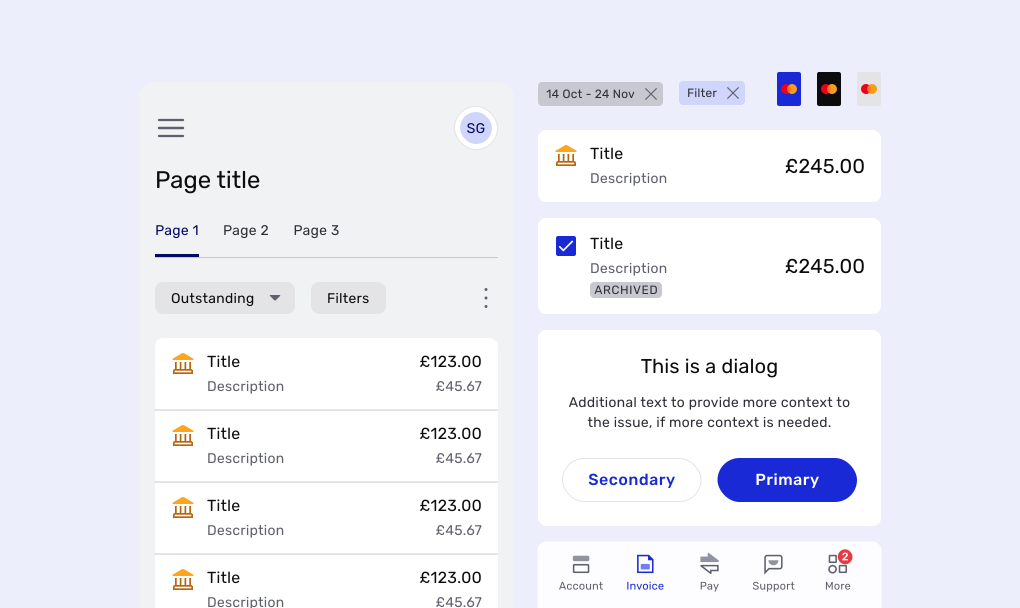
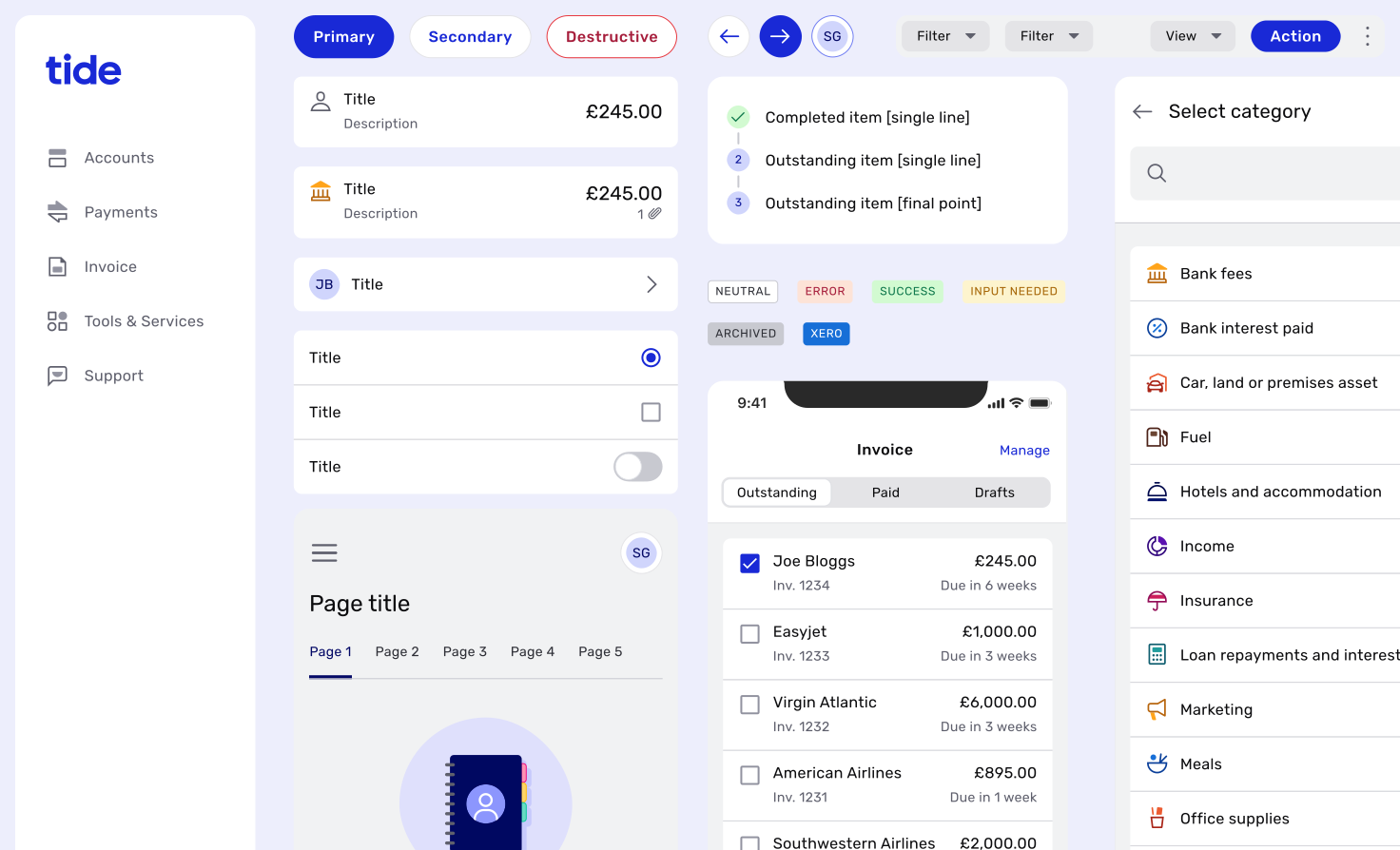
Styles and cross-platform components served both platforms; web-only and mobile-only components covered what each needed of its own, with native iOS and Material components on mobile; and copy guidelines applied to everything. Components specific to one product stayed outside the system.
Shared foundations
Every component drew on the same foundations, shared by web and mobile: a tonal palette built around Tide Blue, with greys and three feedback ramps; a type scale of eleven styles in Rubik; and three icon families, each with its own job.
Spacing came from the same foundations: a scale of tokens, from xxs to md, set between elements and at the screen’s edges, so layouts held their rhythm without anyone measuring by eye.
Building through others
I outlined the components for each sprint and delegated most of the construction to Liam, so each component had a single owner and the library stayed consistent. My role was creative direction, and defining the logic of how each component should be used in future design work.
One component, three breakpoints
Components were built responsive from the start, so one dialog served every screen size: the illustration and title scaled with the space, and on small screens the panel stacked above the copy.
Configured, not duplicated
Rows were configured rather than rebuilt for each use: the same component took a checkbox, switch or radio to suit the task, and an object row could build up from a title and amount to carry a subtitle, a second amount, an icon and an attachment.
Information architecture
A shared library wouldn’t fix two products that were structured differently. As part of the project, we aligned the web app’s primary navigation to the mobile app’s, created a scalable secondary navigation component for both platforms, and moved user details and preferences into a dedicated ‘user’ area, out of ‘More’.
Web
A large view with a side sheet for items and small tasks; a medium view with visible primary navigation; a small view with an expanded user menu. Persistent secondary navigation at every breakpoint where needed.
On small screens, page actions collapsed into chips above the content, filters opened in a full-screen sheet, and the primary action stayed pinned at the foot.
Mobile
The same primary navigation as web. Bottom sheets for overflow menus, modal views in place of side sheets, and tab controls and search in the app header.
The app header took search or a segmented control as accessories, growing to fit them and moving the content with it.
Documentation
Fewer than half of survey respondents knew which component to use for a task, so I wrote more than 100 pages of documentation in Zeroheight, covering everything from correct component usage to writing consistent UX copy.
Flows sat a level above pages, and were documented too, so common tasks worked the same way everywhere. Every create flow, like creating an invoice, followed the same five rules.
- 01Start from emptyCreate flows started from an empty state, with one clear primary action as the way in.
- 02Minimal headerA minimal app header kept distraction down: back went a step back, close left the flow at any time.
- 03NextEvery action that moved the flow forward was Next…
- 04Name the action…until the last, which said what it would do.
- 05Back to the startOnce done, the flow returned to the first screen, with a neutral toast to confirm the invoice was sent.
Ownership beyond me
The survey’s clearest signal was that just over half the business didn’t know how to change the system. People adopt what they feel they have a hand in, so once the library was built, I turned to making it something others owned.
A contribution model
After consulting our designers and engineers, I defined an end-to-end contribution model, from an initial idea to shipped code.
Somewhere to talk
Designers told me they wanted to know what was changing, how their suggestions were progressing and where to ask questions. I set up a dedicated Slack channel for updates, and a weekly 30-minute clinic where anyone could drop in with questions or work.
Ownership across departments
Alex and I set up a steering committee of seven senior engineers and PMs, meeting monthly and led by design, to handle strategic concerns. I also formalised a working group of two designers and two engineers who owned the contribution process outright, including component updates and comms.
Room to work
To make the move to the new system seamless, I set up a new file structure for every business area, with lighter files, dedicated spaces for research and workshops, and more room for iteration.
~50%
of the design team attended at least one clinic in the first two months
~10
significant updates logged from those sessions
Outcome
60%
fewer components, in one library serving web and mobile
7
senior engineers and PMs sharing ownership through the steering committee
1
dedicated design system hire, whom I recruited and line-managed, and who now leads the design system team
The system raised design’s profile across the business and gave me regular time with senior leadership. I left before it was fully migrated into the apps, so I don’t have a before-and-after measure. The clearest evidence is what happened next. I hired Tide’s first dedicated design system designer and line-managed her, and she went on to lead a dedicated design system team. The idea took root and proved its value without me, which was the point of building ownership in from the start.
What I took from it
Most design system writing, especially in the Figma community, is about building UI. Very little covers planning, execution and maintenance, and maintenance is by far the most important. A beautiful library that people don’t know how to use, or don’t feel they can shape, will wither. Design systems need to be run as products in their own right, with continuous development and input from the people who use them.